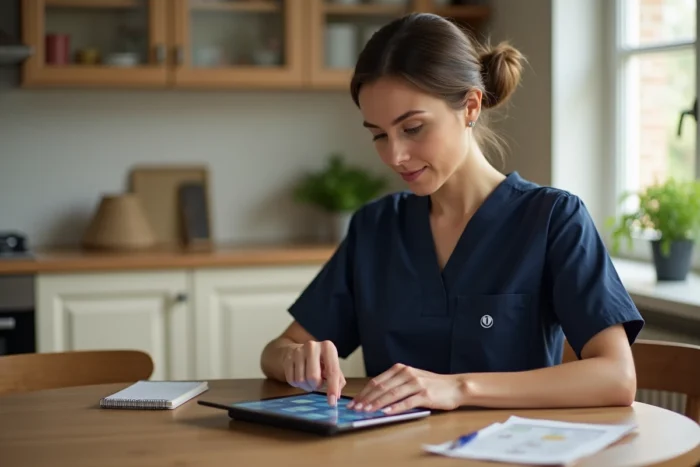
Philia ADMR is the business information system of the ADMR network. For home care workers, it replaces paper schedules, SMS exchanges, and part of the daily administrative tasks. The platform consists of several distinct modules, and mastering them changes the reliability of hour tracking, communication with the association, and the traceability of interventions.
Philia ADMR Modules: Understanding the Architecture Before Using It
Most guides present Philia as a single block. In practice, the platform is based on three separate functional components: PhiliaDom for route planning, a telemanagement module for real-time clocking, and a beneficiary file management interface.
PhiliaDom focuses on assigning workers, replacements, and centralized schedule visualization. The telemanagement module records arrivals and departures via smartphone. The beneficiary file stores administrative data and support tracking.
This distinction matters on a daily basis. A worker checking their schedule uses PhiliaDom. When they clock in upon arriving at a beneficiary’s home, they switch to telemanagement. Confusing the two modules risks validating a clock-in without checking that the displayed schedule is up to date. To delve into each step, a tutorial to master Philia ADMR with Avantage Seniors details the manipulations screen by screen.
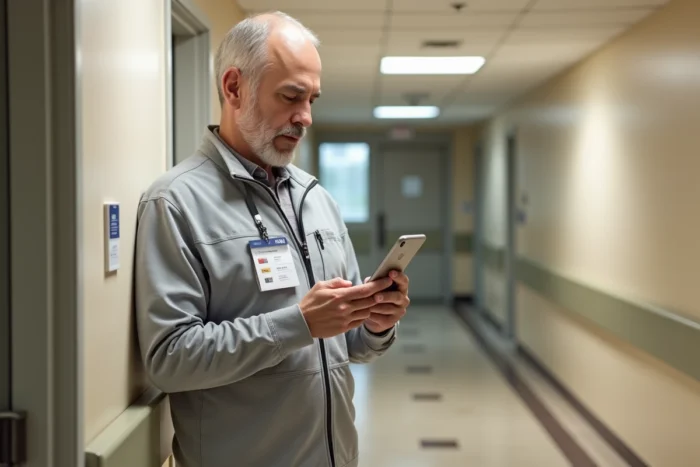
Field Clocking via the Philia ADMR Mobile App
The mobile app (available on iOS and Android) goes beyond simple schedule consultation. It allows clocking hours of intervention directly from the beneficiary’s home, recording the arrival and departure times with timestamps.
This clocking serves as the basis for payroll. An error of a few minutes, repeated over a month, skews the calculation of hours owed. The best practice is to clock in as soon as the threshold is crossed, not after setting down belongings or chatting with the beneficiary.
Travel Time Between Two Interventions
Inter-home travel constitutes a sensitive area for compensation. Several ADMR federations use Philia to track inter-intervention times and associated mileage expenses. The telemanagement module can record the end of one intervention and the start of the next, automatically generating the travel time slot.
For this calculation to be reliable, each intervention must be closed before leaving the home. An overlooked departure clocking creates a gap in the sequence, and the travel time disappears from the monthly report.
Philia Internal Messaging and GDPR Compliance
Philia integrates an internal messaging system that replaces personal SMS for exchanges between workers and coordinators. This shift responds to a regulatory constraint: health data and information about beneficiaries must not transit through unsecured channels.
Specifically, a worker reporting a change in a beneficiary’s health status must do so via Philia messaging, not by SMS or a message on a public application. The secure channel ensures that the information remains within the scope of the ADMR information system.
Notifications and Responsiveness
The app’s push notifications signal schedule changes, urgent messages, and available replacements. Three reflexes to embed in daily routine:
- Check notifications as soon as starting work, before the first trip, to spot any last-minute changes to the schedule
- Respond to coordination messages via internal messaging during the day, even if the response is brief, to maintain traceability of exchanges
- Disable the phone’s silent mode during work hours to avoid missing an urgent replacement offered by the association
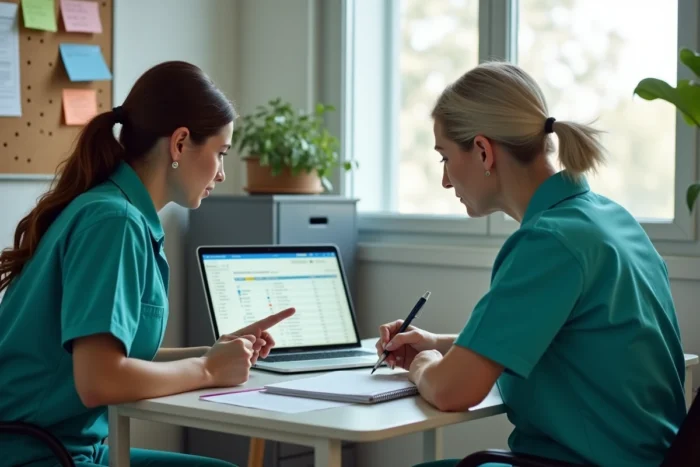
Digital Logbook on Philia ADMR: Tracking Each Intervention
The logbook is the chronological record of what happens during an intervention. On Philia, it is filled out directly from the mobile app, intervention by intervention.
Each logbook entry associates a timestamp, the beneficiary’s name, and a description of the actions taken or observations. A logbook filled out in real-time protects the worker in case of disputes regarding the services provided.
The frequent temptation is to fill out the logbook at the end of the day, for all interventions at once. The risk: omissions, approximate times, and weakened traceability. Filling out the logbook immediately after each intervention, even in two sentences, produces a more reliable record than five lines written from memory in the evening.
Managing Last-Minute Replacements on Philia
When a worker is unavailable, the coordination publishes the slot to be filled via PhiliaDom. Available workers receive a notification and can accept or decline.
The classic trap: accepting a replacement without checking the beneficiary’s file in the associated record. Each beneficiary has specificities (level of autonomy, special instructions, access to the home). Consulting the beneficiary’s file before traveling avoids unprepared situations on the ground.
An accepted replacement on Philia automatically modifies the schedule and recalculates travel times. The replacing worker must clock in normally, as for their usual interventions, so that the pay reflects this additional service.
Mastering Philia ADMR on a daily basis relies less on advanced technical skills than on the consistency of a few simple actions: clocking in at each threshold, using internal messaging instead of personal channels, and filling out the logbook intervention by intervention. These habits, once established, secure payroll, traceability, and regulatory compliance without adding noticeable administrative burden.